01 CAPTURE & COMPOSE
A LITTLE IDEA
Show the quiet work
behind the finished thing.
Catch it while it’s there.
Keep the thought, caption and supplied image together. Come back to the draft without starting from scratch.
 Open workspace
 Your ideas, your voice, your whole week in view.
Bring the scattered pieces together—and get back to the good part.
No account needed for the sample. Private development · not a public launch.
Here’s what deserves your attention.
A small look at the ideas, conversations and happy accidents behind our next collection.
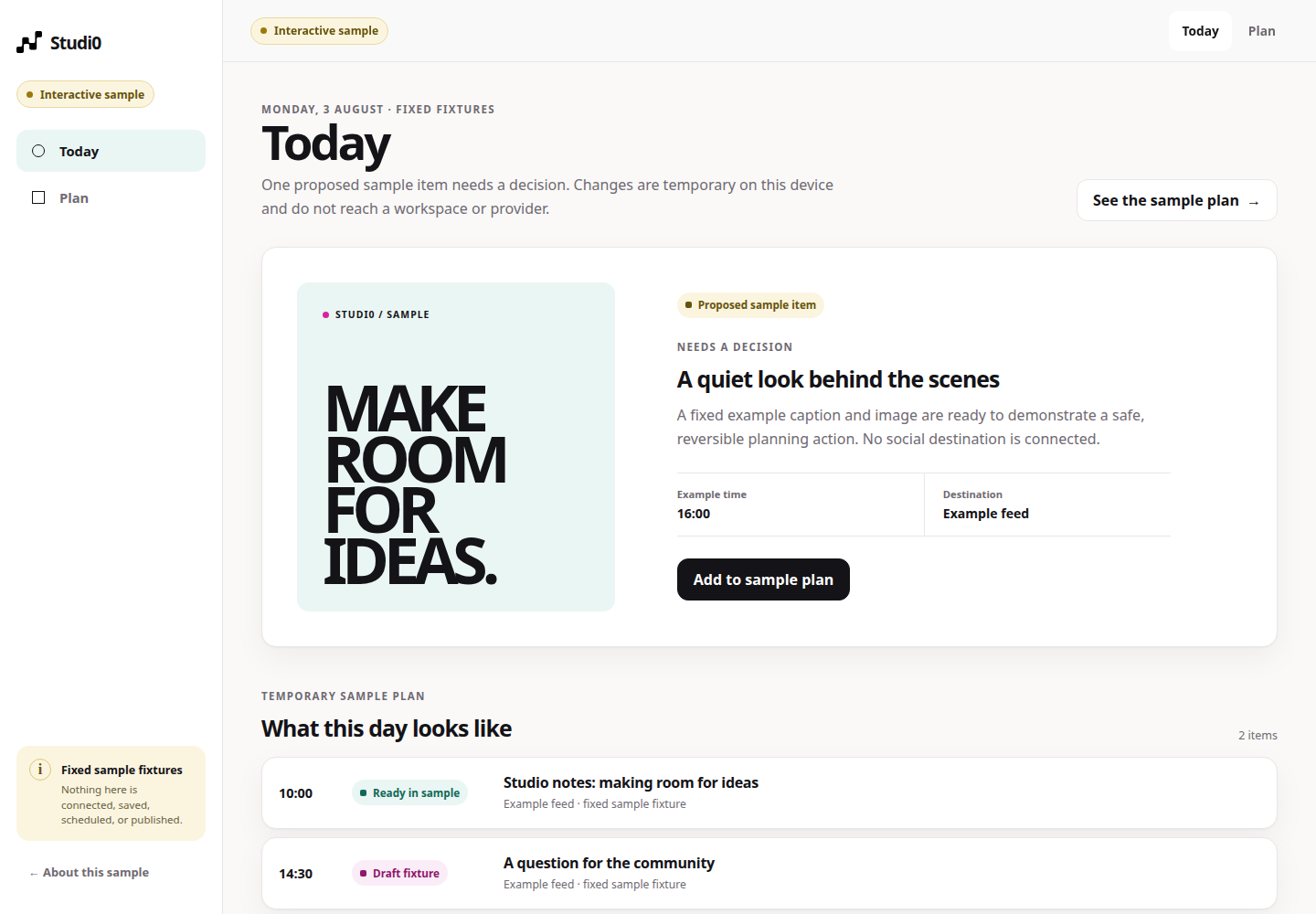
Illustrative content. Try the tabs; nothing here saves, schedules or publishes.
FROM THE FIRST THOUGHT TO THE FINAL CHECK
A note here. A caption there. A “which version?” in the chat.
Studi0 brings the next decision back to the work itself.
Show the quiet work
behind the finished thing.
Keep the thought, caption and supplied image together. Come back to the draft without starting from scratch.
“Yes. That sounds like us.”
Review the actual caption, image and alt text. Approve that exact revision, with a record of the decision.
Choose a time and exact destination. Follow each delivery’s outcome in the private publishing control room.
Workflow illustrations use example content. Real actions require an authenticated, enabled workspace.
LESS NOISE. A CLEARER NEXT STEP.
A good workspace doesn’t ask you to watch everything. It helps you find the draft to finish, the revision to review, and the post that needs another look.
See the Today sampleFor the people doing the work
and running the business.
CONFIDENCE COMES FROM KNOWING
Studi0 keeps your decisions separate from provider outcomes. You should be able to tell what’s ready, what’s queued, and what still needs attention.
The exact revision has a recorded decision. It hasn’t been published just because it looks ready.
A server-side job holds the chosen time and destination. An open browser isn’t the scheduler.
Provider evidence records success. A failure or unknown result stays visible for recovery.
Connected publishing is a controlled private capability. Provider eligibility, credentials and operational readiness still apply.
A FEW USEFUL DETAILS
Curious is a good place to start.
Yes. The interactive sample is open to explore without signing in. Its example content stays separate from the authenticated workspace, and no sample interaction can publish a post.
The workspace brings together content capture, supplied images, immutable revisions, human approval and a publishing control room. Access and provider actions depend on your workspace’s enabled capabilities. Studi0 is in private development, not a generally available publishing service.
Publishing requires approval of an exact revision and a separate scheduling decision. Supplied images and captions remain your content. Any AI assistance is advisory; it cannot approve, schedule or publish.
The control room distinguishes a confirmed provider result from a failure or an unknown outcome. An uncertain result needs reconciliation before retry, and successful destinations stay separate from failed ones. Provider availability and credential health still need monitoring.
MAKE SOME ROOM
Already have access? Start with my account →